
Full-Width Canvas
Asset Backed Token Standard
 Experience a variety of immersive 3D elements tailored to each theme.
About
This interactive 3D hero script offers a complete new way of presenting your financial or corporate assets online. Crafted with Three.js and featuring full 3D interaction, it is the perfect solution for modern fintech startups, investment firms, and professional business sections.
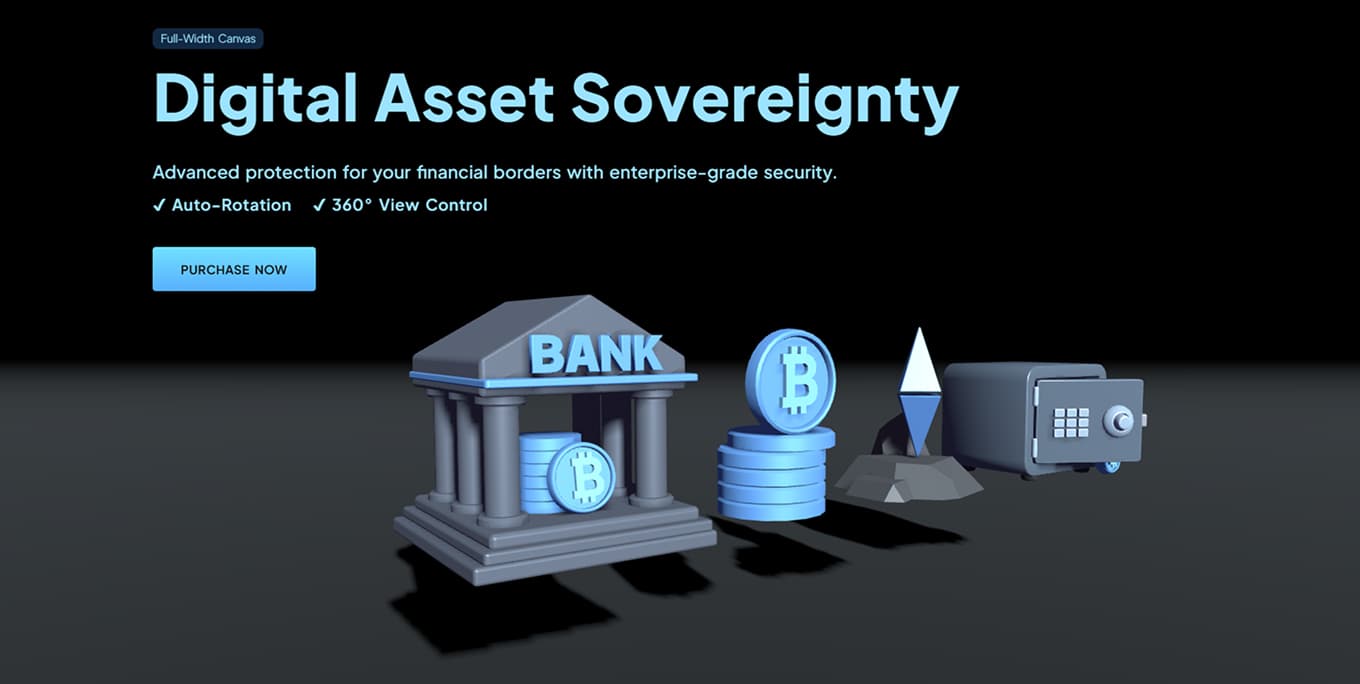
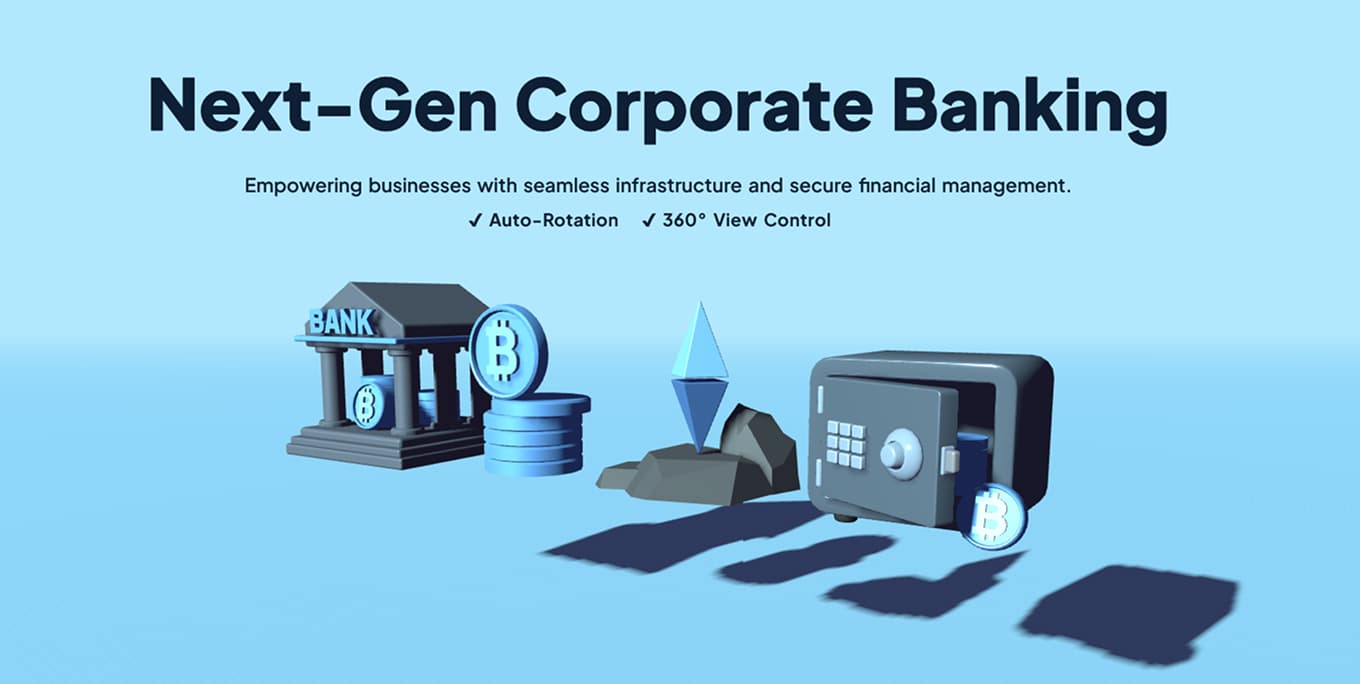
Flexible Display Modes: Two Powerful Display Options: Choose between Full-Width Canvas for maximum visual impact or 50% Dedicated Canvas for seamless integration with side content.
4 Professional Blue Presets Click to preview and copy the code


Key Features
Full Interactive Controls
Allows users to rotate, pan, and zoom the 3D model in a full 360-degree environment.
Customizable Assets
Easily swap the default GLB model with your own custom 3D file for personalized branding.
Optimized Performance
Engineered for smooth, high-frame-rate rendering across all modern browsers and devices.
Core Benefits

Amazing Brand Visual Impact
Captivate Users: Upgrade your landing page with stunning 3D visuals that instantly grab visitors' attention.
Enhance your brand’s trust and professionalism with high-quality 3D assets designed for finance and corporate themes.

5-Minute Seamless Integration
Zero Effort: Implement a professional 3D hero section in minutes with a single script and simple HTML configuration.
Ready-to-Use: Just grab the hero-container from hero-only.html—no need to dismantle the full landing page.
Installation & Customization
Quick Start Tip: You don't need to copy this entire demo page!
Inside your download package, check the hero-only.html file for clean integration code.
3D Model & Style Settings
Configure the 3D scene using HTML data attributes on the container:
<!-- 3D Hero container: all 3D settings are defined here -->
<div id="hero-container"
<!-- Required: path to the .glb 3D model file -->
data-model-path="./assets/static/models/model-coin-blue.glb"
<!-- Model scale -->
data-scale="1"
<!-- Horizontal position (X-axis offset) -->
data-position-x="1"
<!-- Enable auto-rotation -->
data-auto-rotate="true"
<!-- Rotation speed (negative for reverse) -->
data-rotation-speed="-3"
<!-- Camera zoom level (lower = zoom in) -->
data-camera-init-z="4"
<!-- Main directional light color (hex) -->
data-directional-color="0xbcd6c5">

<!-- WebGL canvas rendering target -->
<canvas id="webgl"></canvas>
</div>
Blue Theme Requirement
If you are using a blue-themed model, ensure you add the blue-theme class to your <body> tag.
Example: <body class="blue-theme">
Script Initialization
Include the required libraries and initialize the scene by passing the container element.
<!-- Include Core Libraries -->
<script src="./assets/js/gsap.min.js"></script>
<script type="module" src="./assets/js/main.js"></script>

<script type="module">
import { init3DHero } from './assets/js/main.js';

// 1. Select the container element
const container = document.getElementById('hero-container');

// 2. Start the 3D scene
init3DHero(container);
</script>
Technical Notes
- Module:
type="module"is required for ES6 imports. - GSAP: Load
gsap.min.jsbefore the main 3D script.
Ready to bring your assets to life?
Comprehensive documentation and dedicated support are included with your purchase.
PURCHASE NOWRead the Full Documentation